Features
Everything you need in a secure, local-only password manager — including a built-in authenticator and multi-term search.
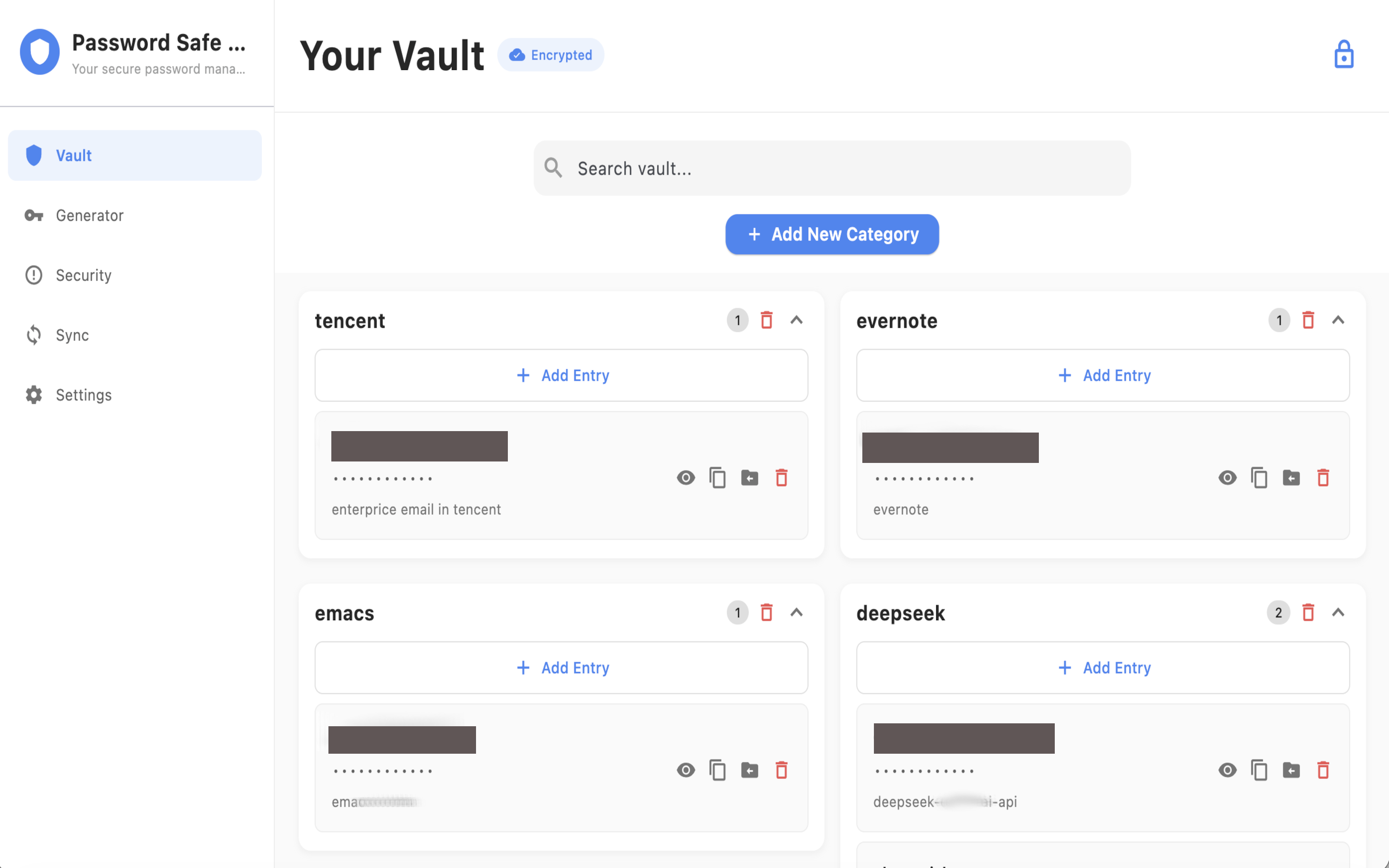
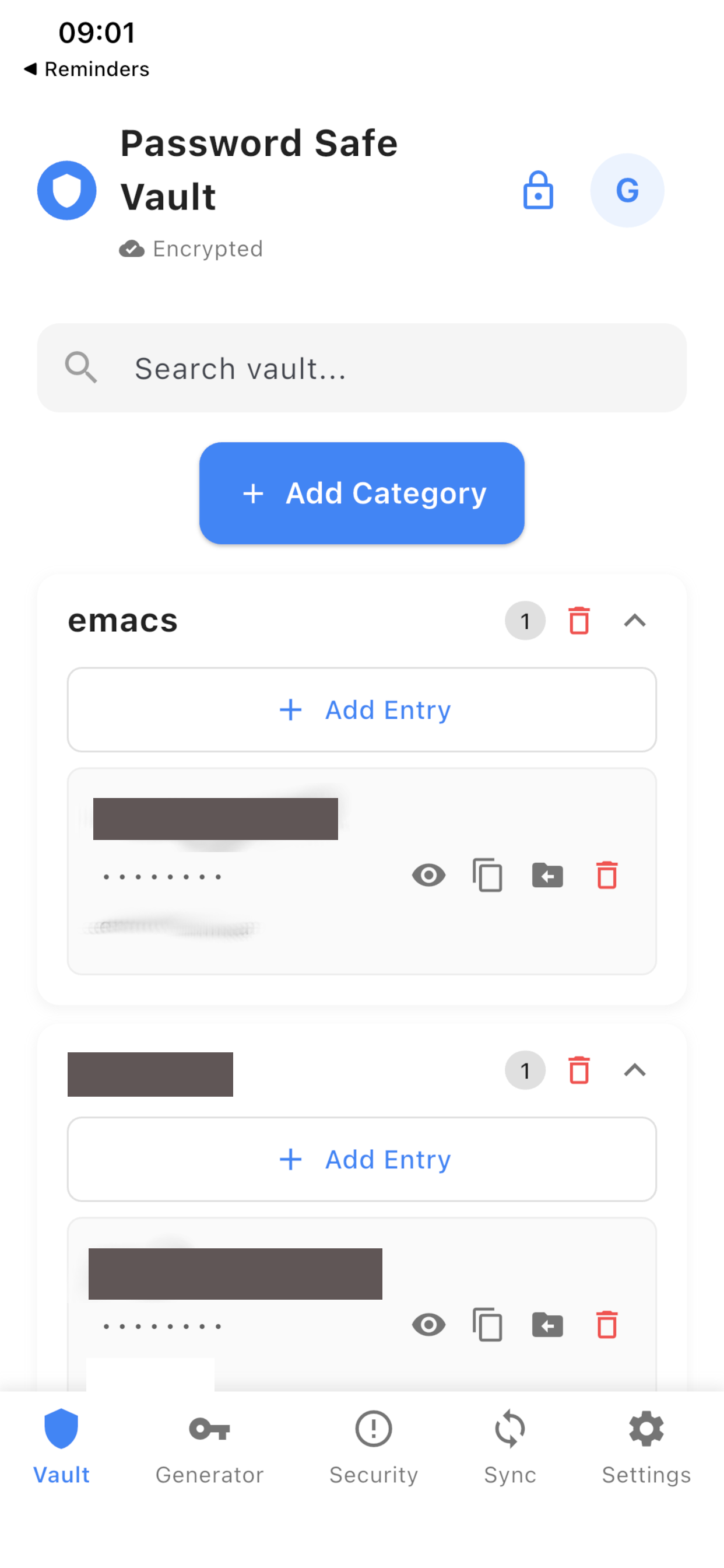
Local-only storage
No account required. Your passwords are stored exclusively on your devices with no cloud sync or online accounts. When you enable multi-device sync, data moves only over your local network between your own devices. Simple, secure, and private.
Secure password storage
Store passwords in one secure location, organized by categories (Email, Social Media, Banking, etc.). Each password is encrypted using AES-256-GCM before storage, ensuring protection even if your device is compromised.
Search & organization
Find entries across categories with multi-term AND search. Space-separated words narrow results; wrap a phrase in quotes to keep spaces. Search titles, descriptions, and passwords.
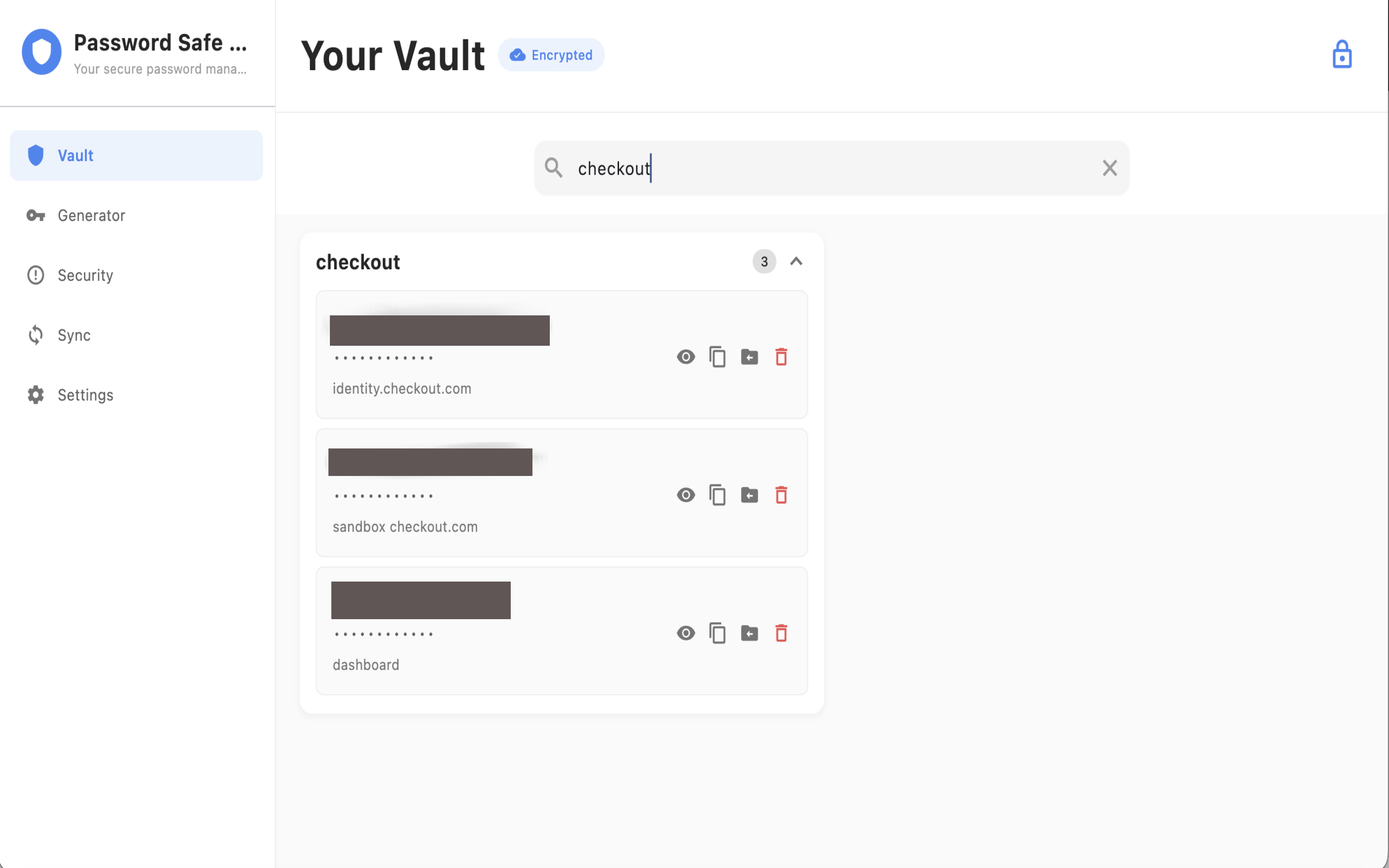
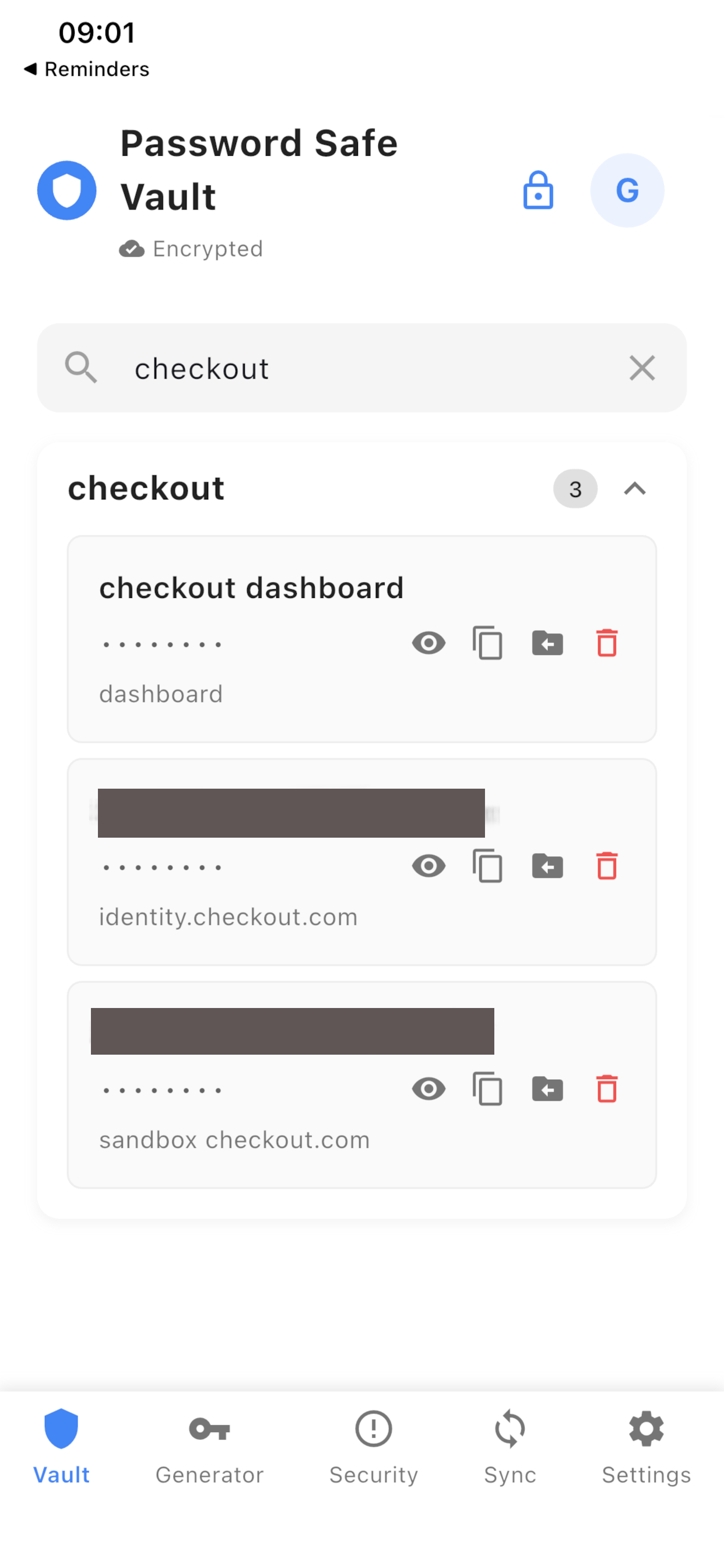
Built-in authenticator
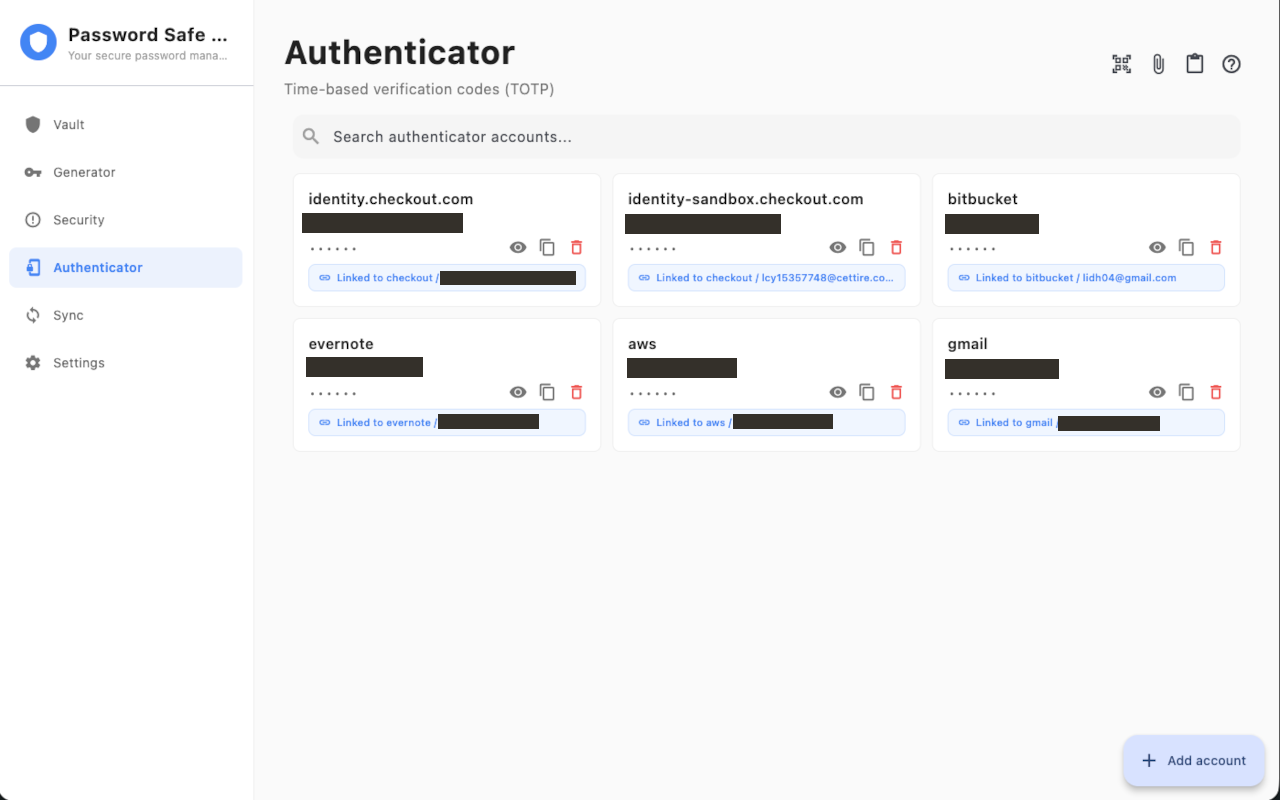
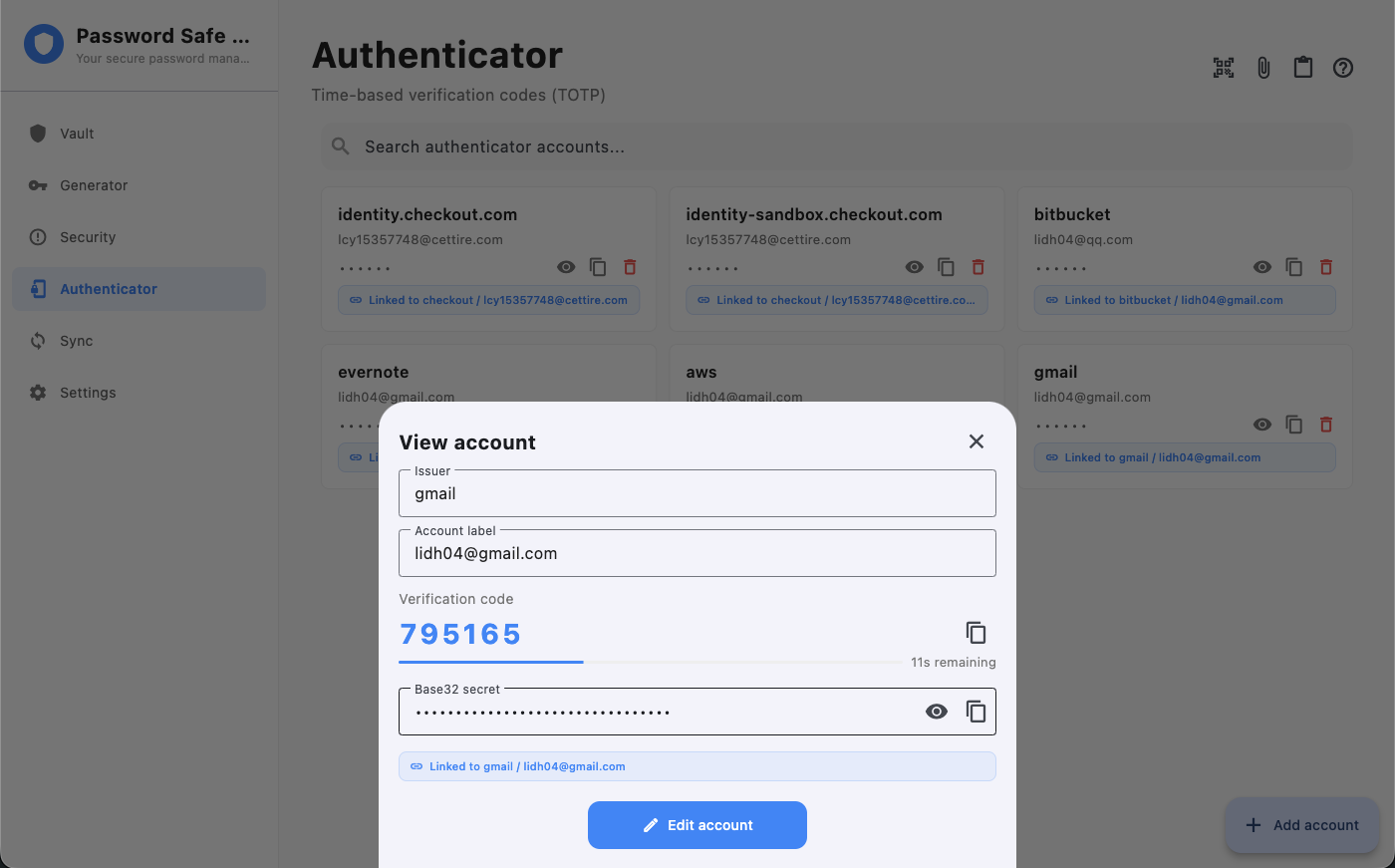
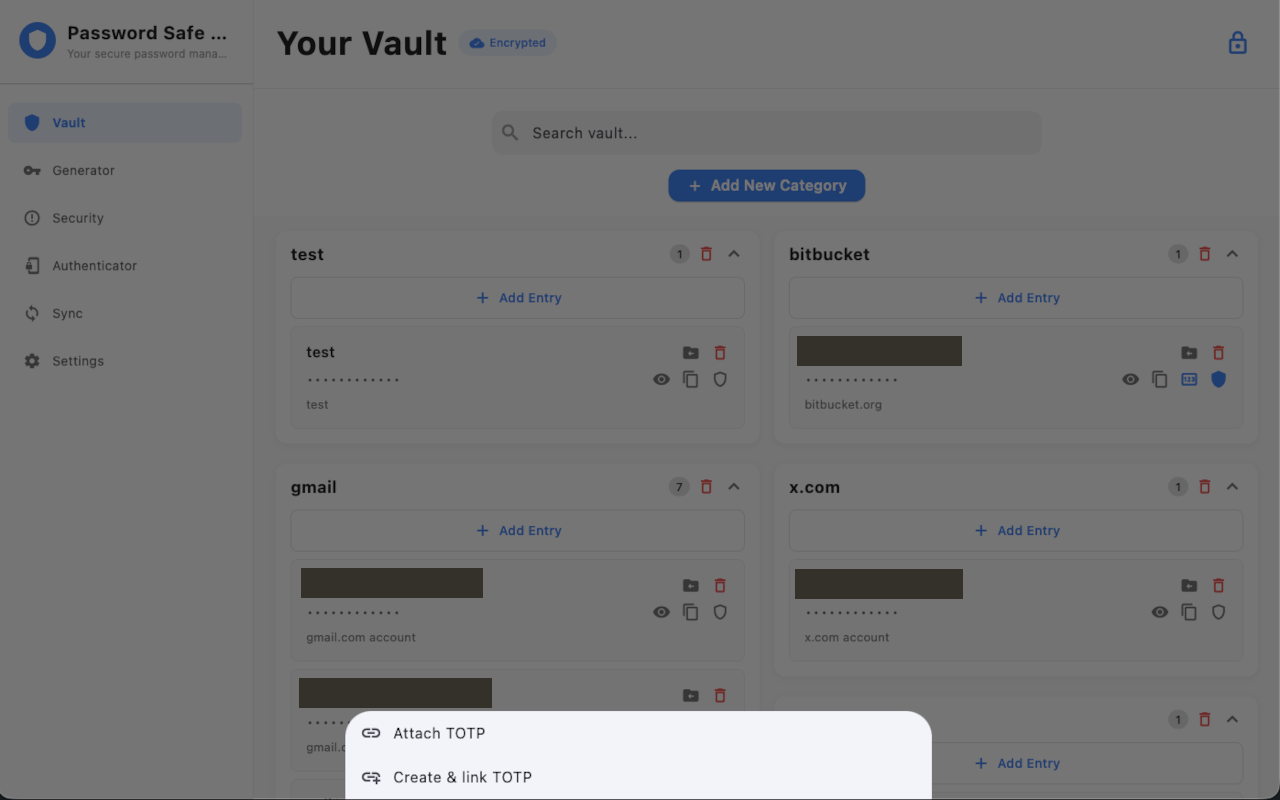
Generate and store time-based verification codes on your device. Link a code to a vault entry, import accounts from Google Authenticator, and copy the current code from the vault or Quick Search. Secrets stay encrypted with your vault key.
Password generator
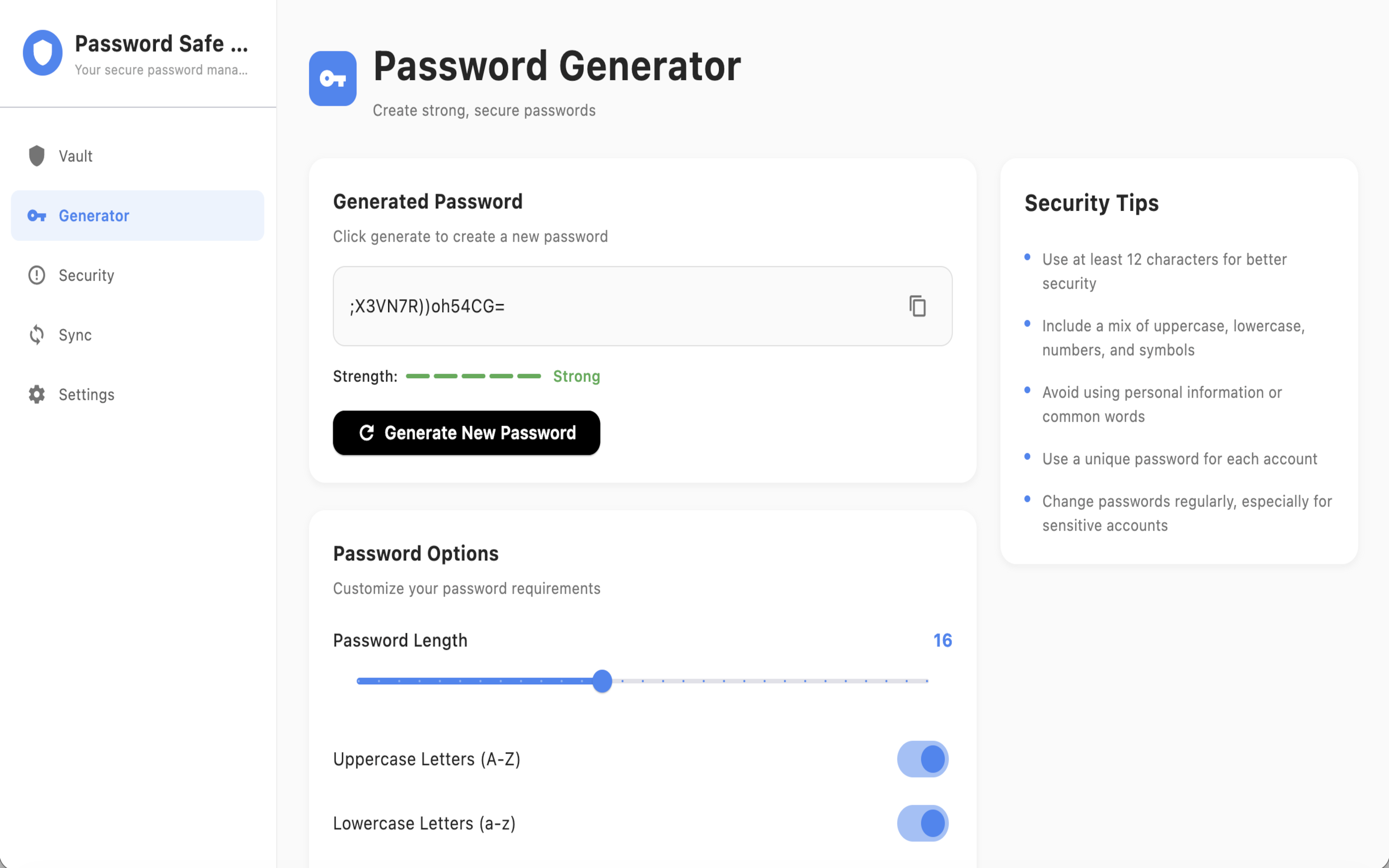
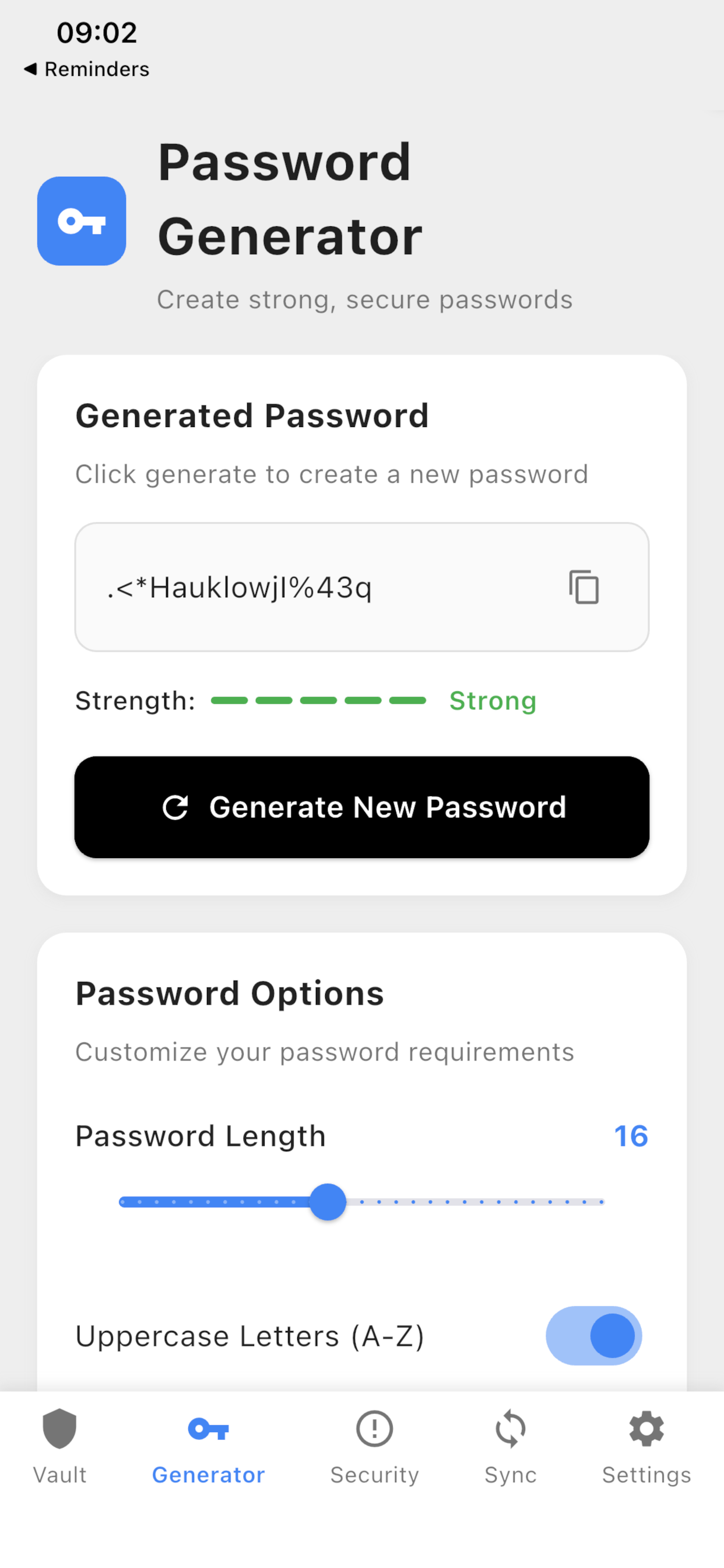
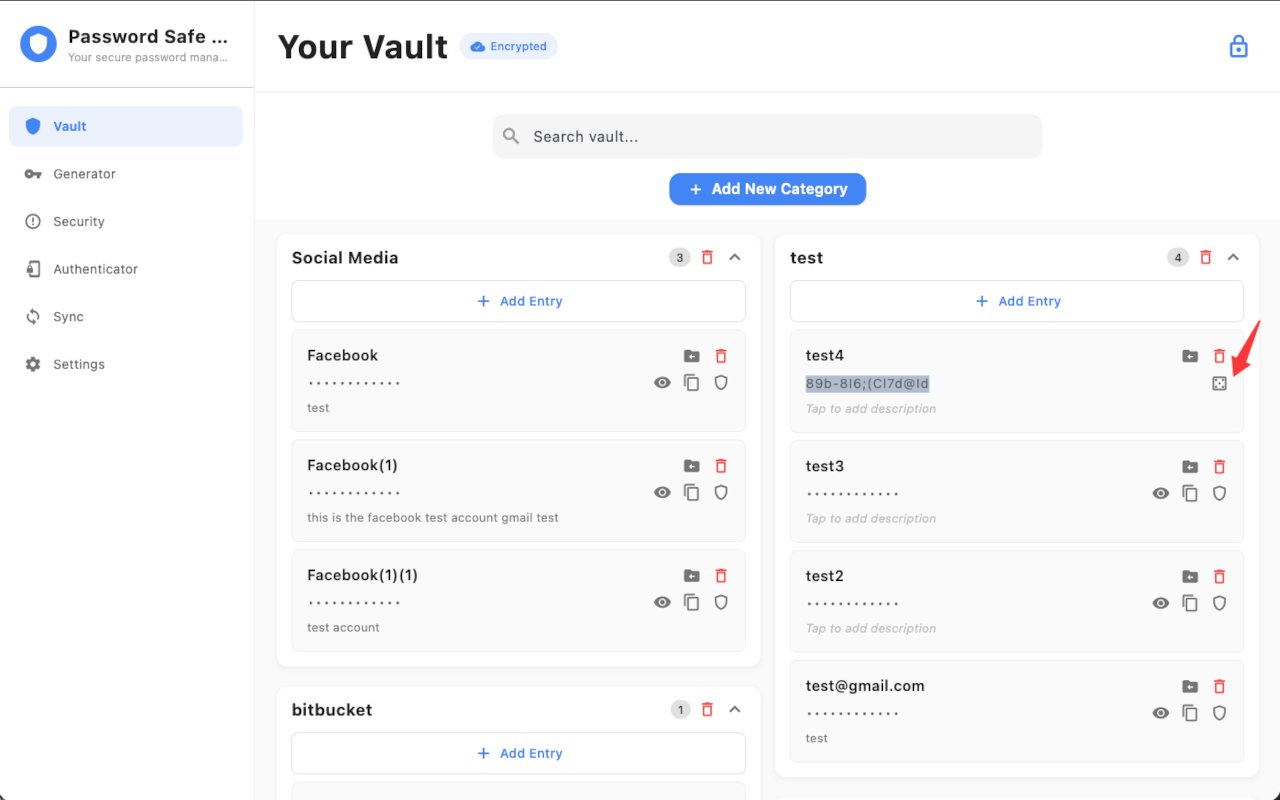
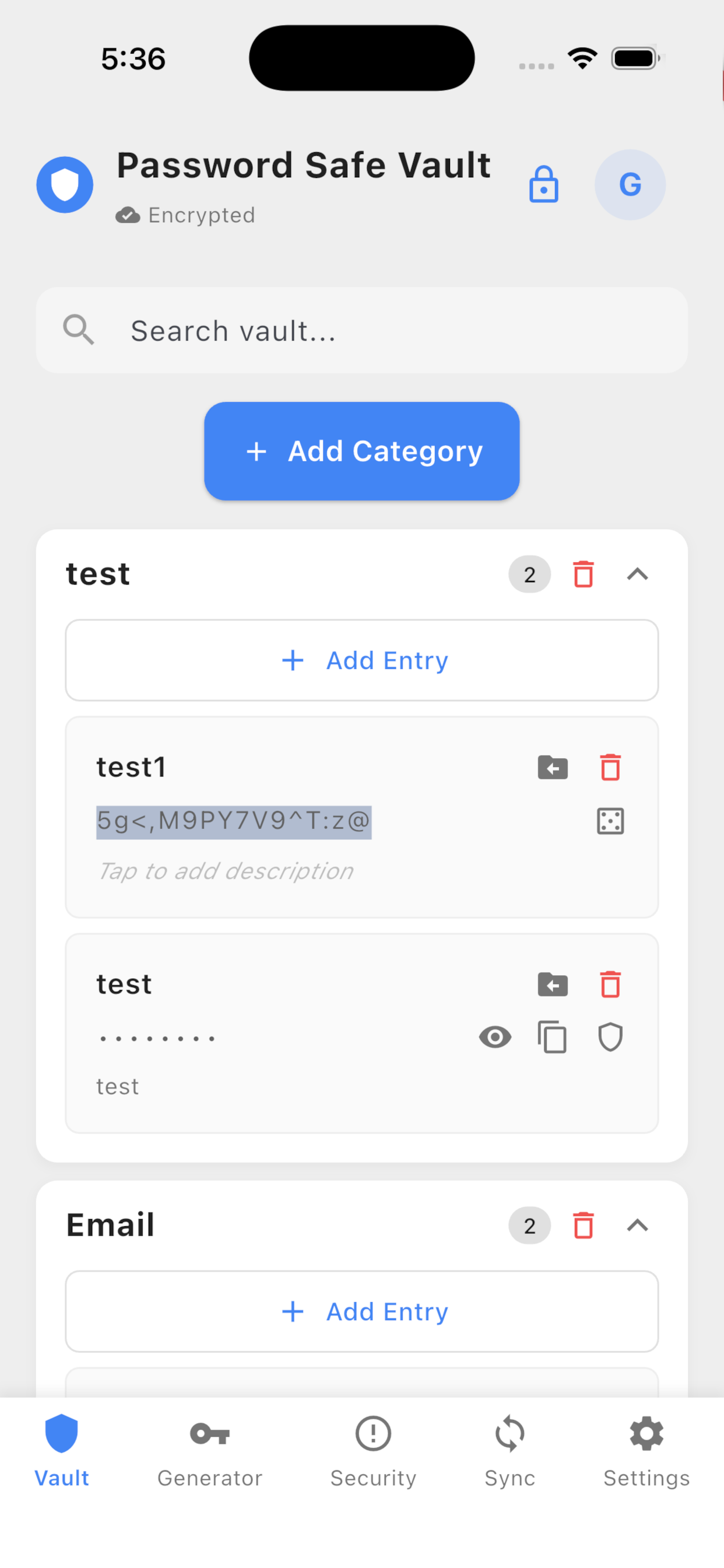
Create strong passwords with customizable options: adjustable length (4–32 characters), uppercase/lowercase letters, numbers, symbols, and a real-time strength indicator. When you create a new vault entry, click the button on the right of the password field to generate a 16-character strong password automatically.
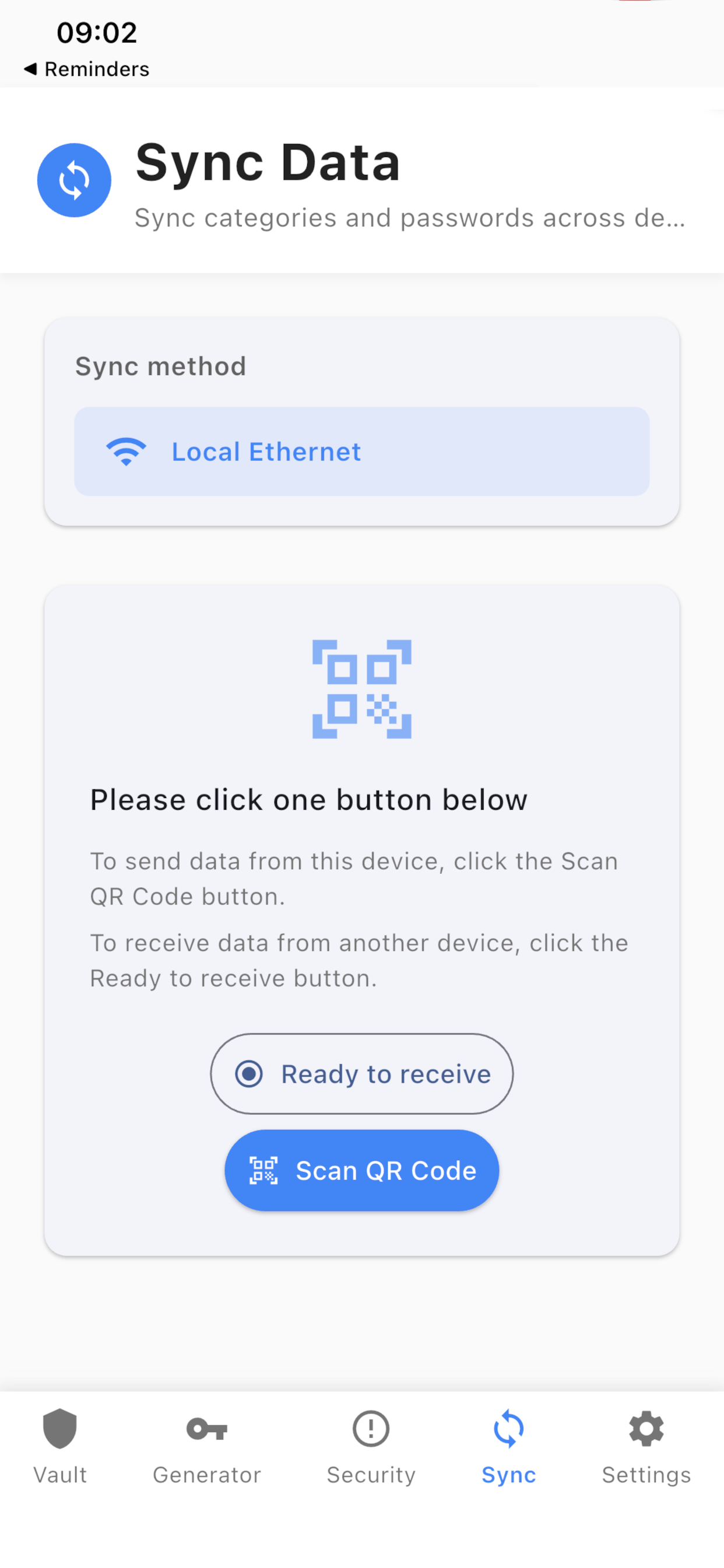
Multi-device sync via local network
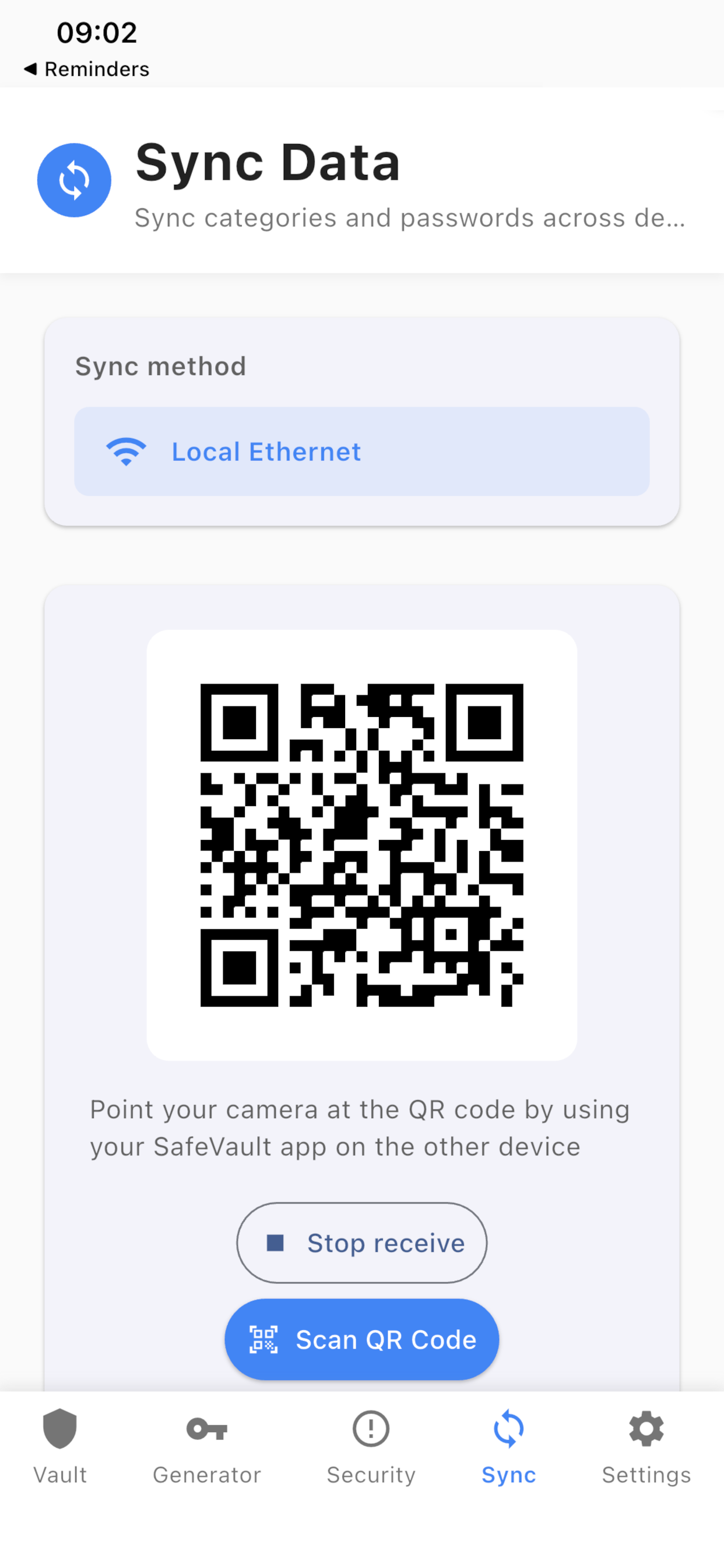
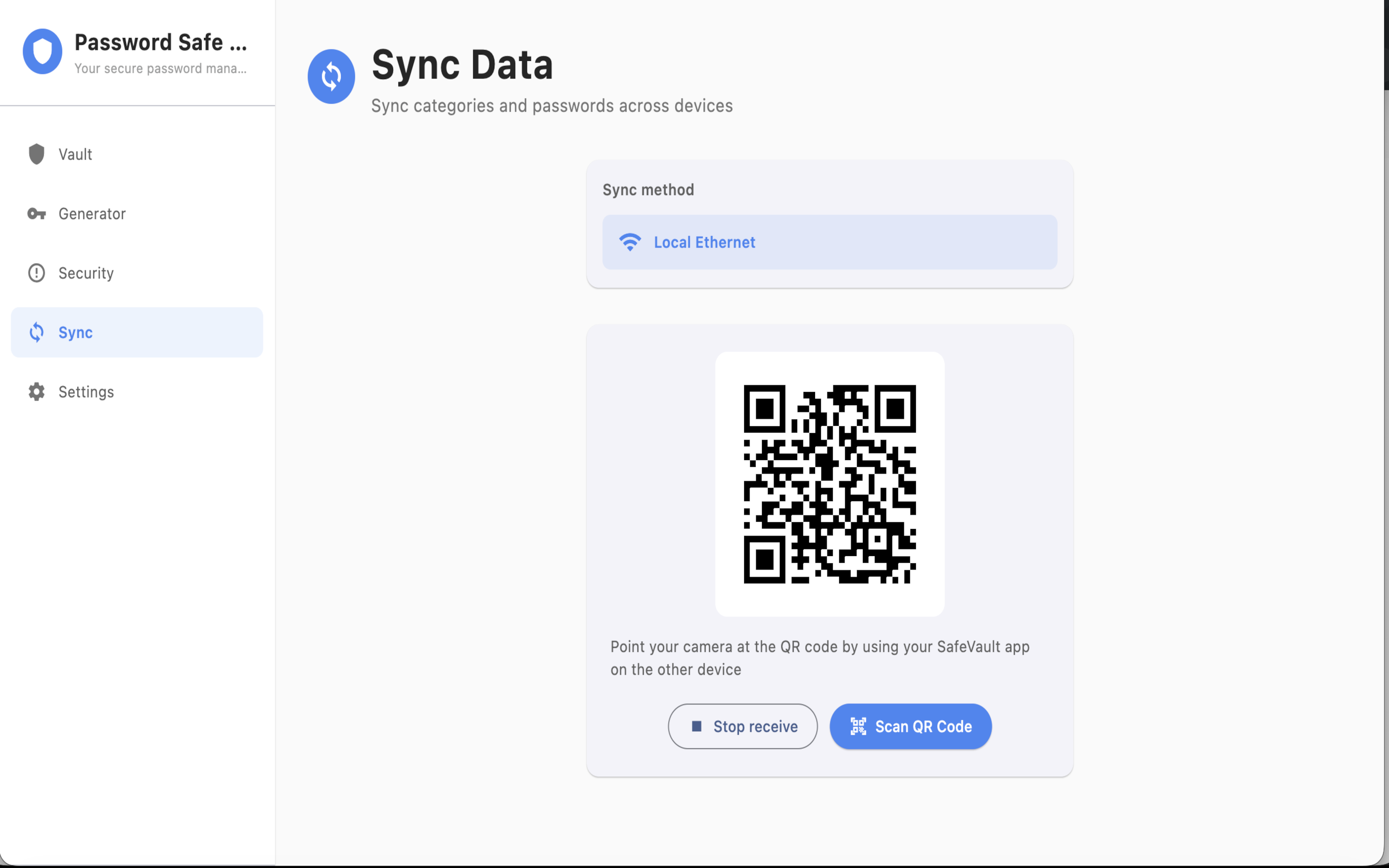
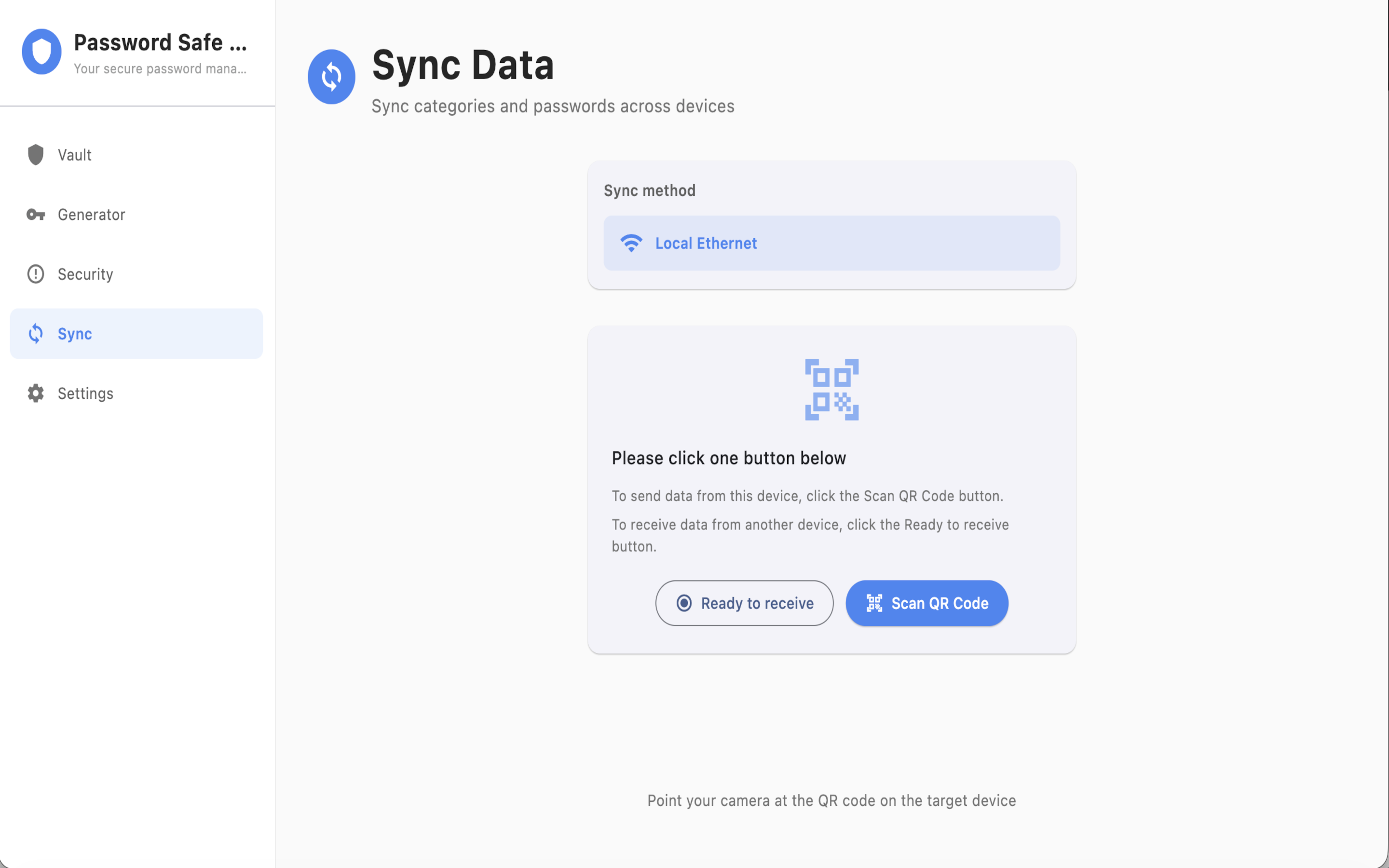
Securely sync your vault between devices connected to the same local network (Wi‑Fi or Ethernet). Authenticator accounts travel with the vault. Sync happens directly over your network with end-to-end encryption—no cloud or external server.
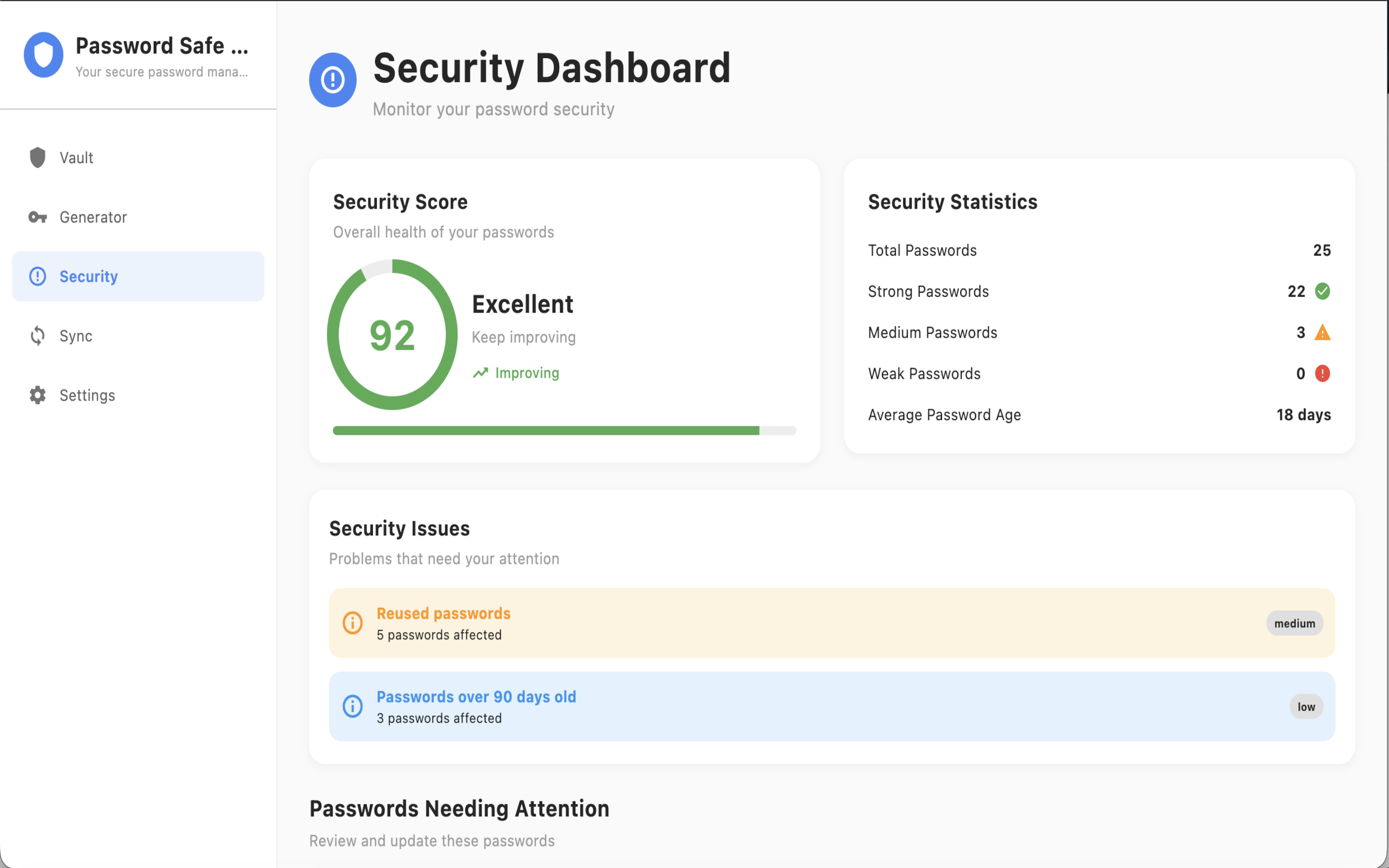
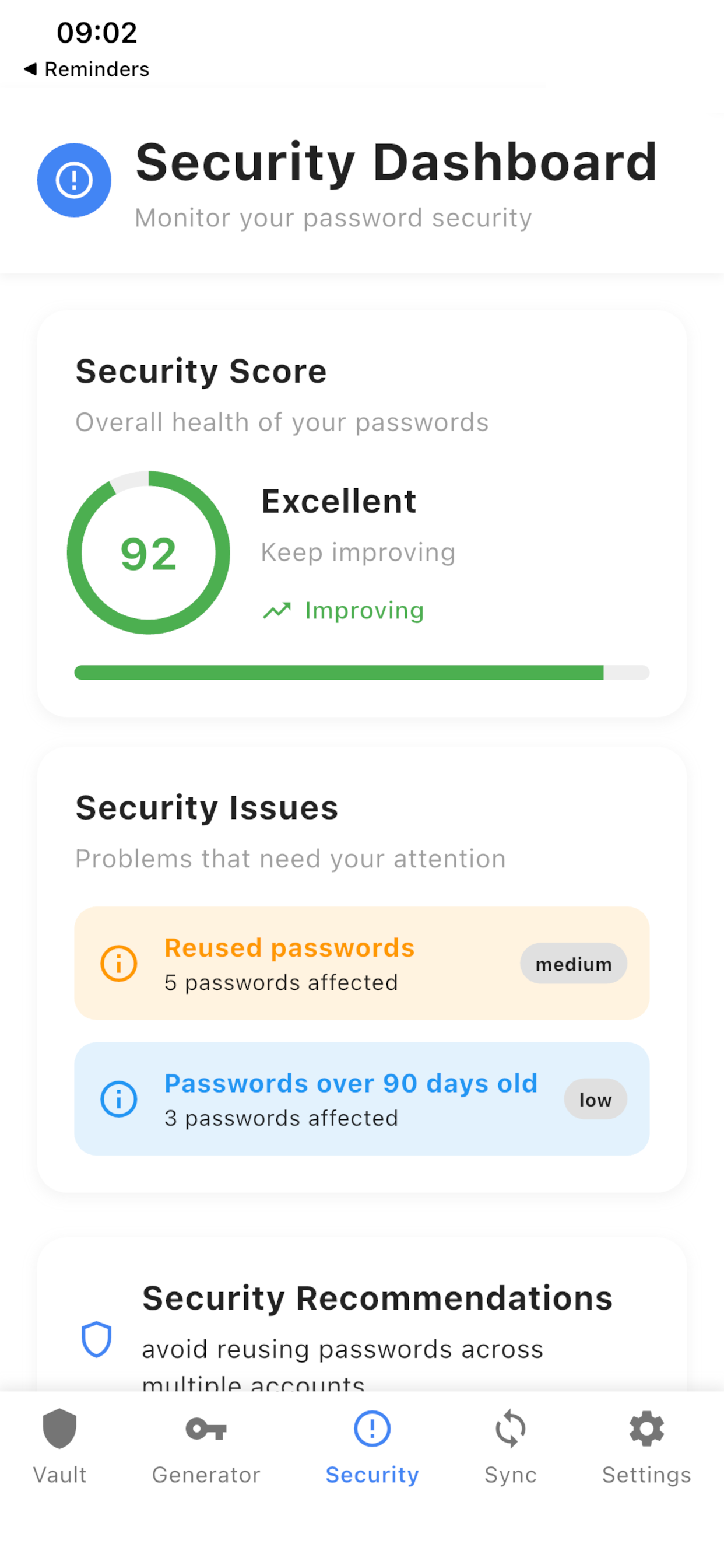
Security
SafeVault is designed to store and protect your credentials with military-grade encryption. All data is encrypted locally on your device—we never see your passwords or hold your keys.
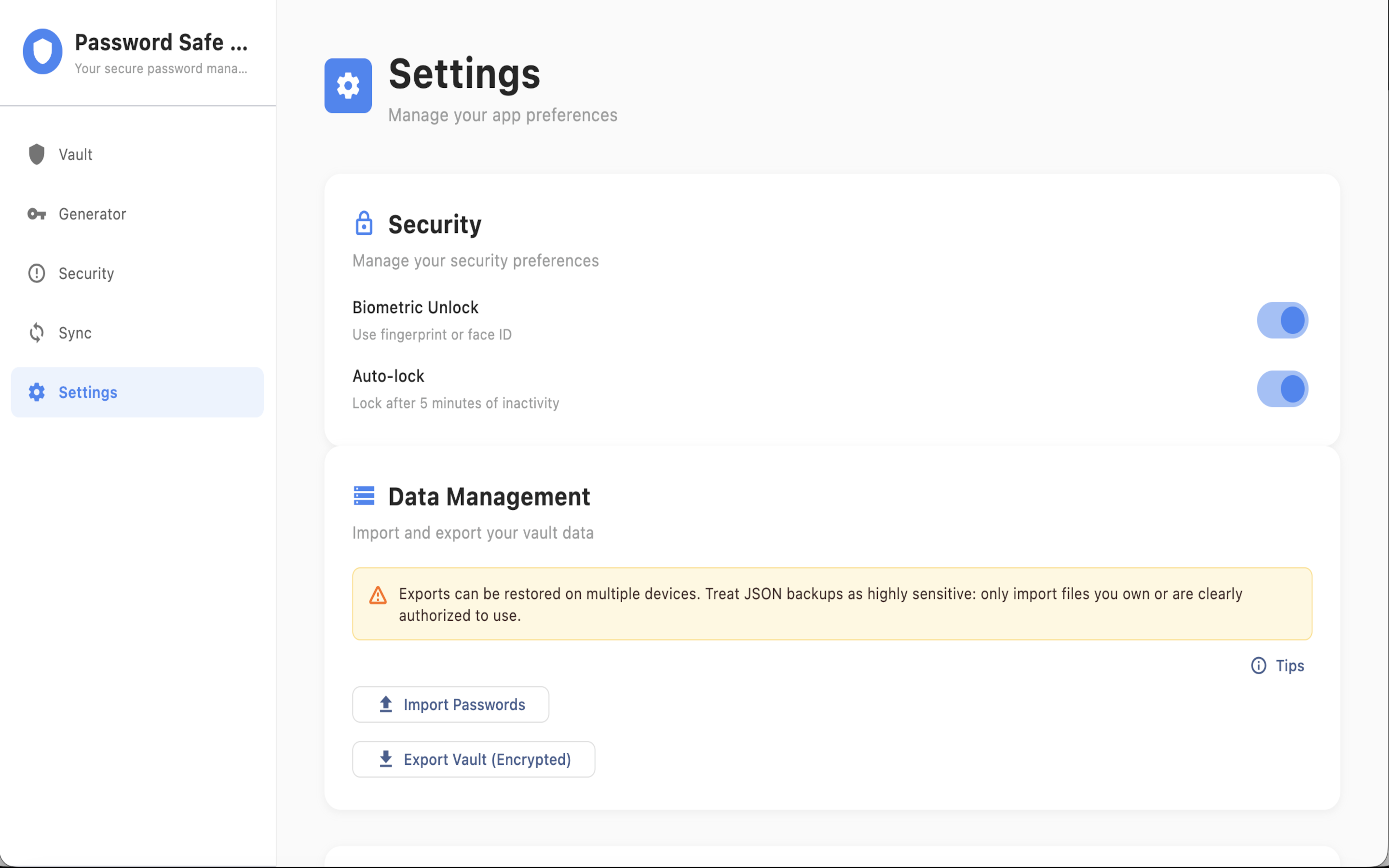
Import & export
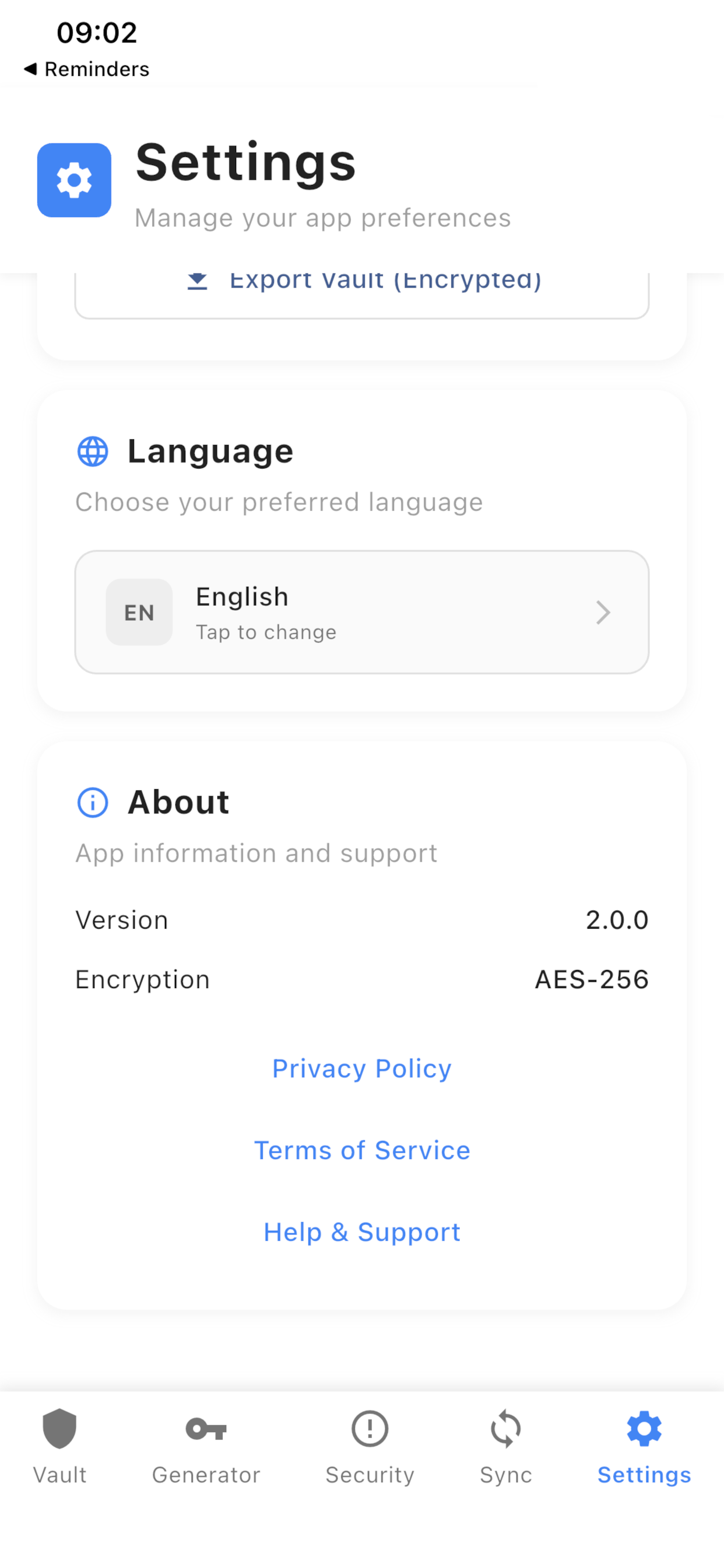
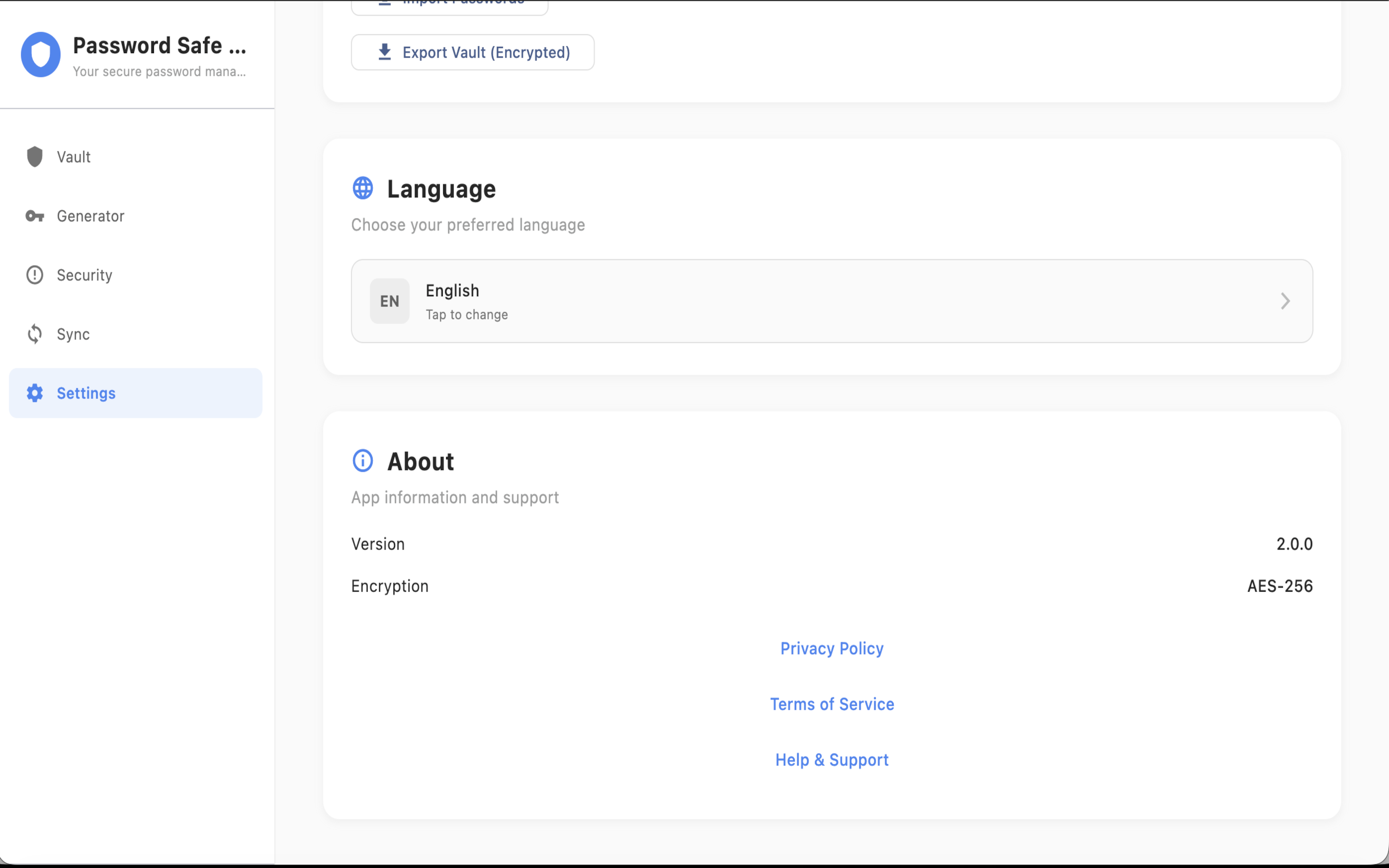
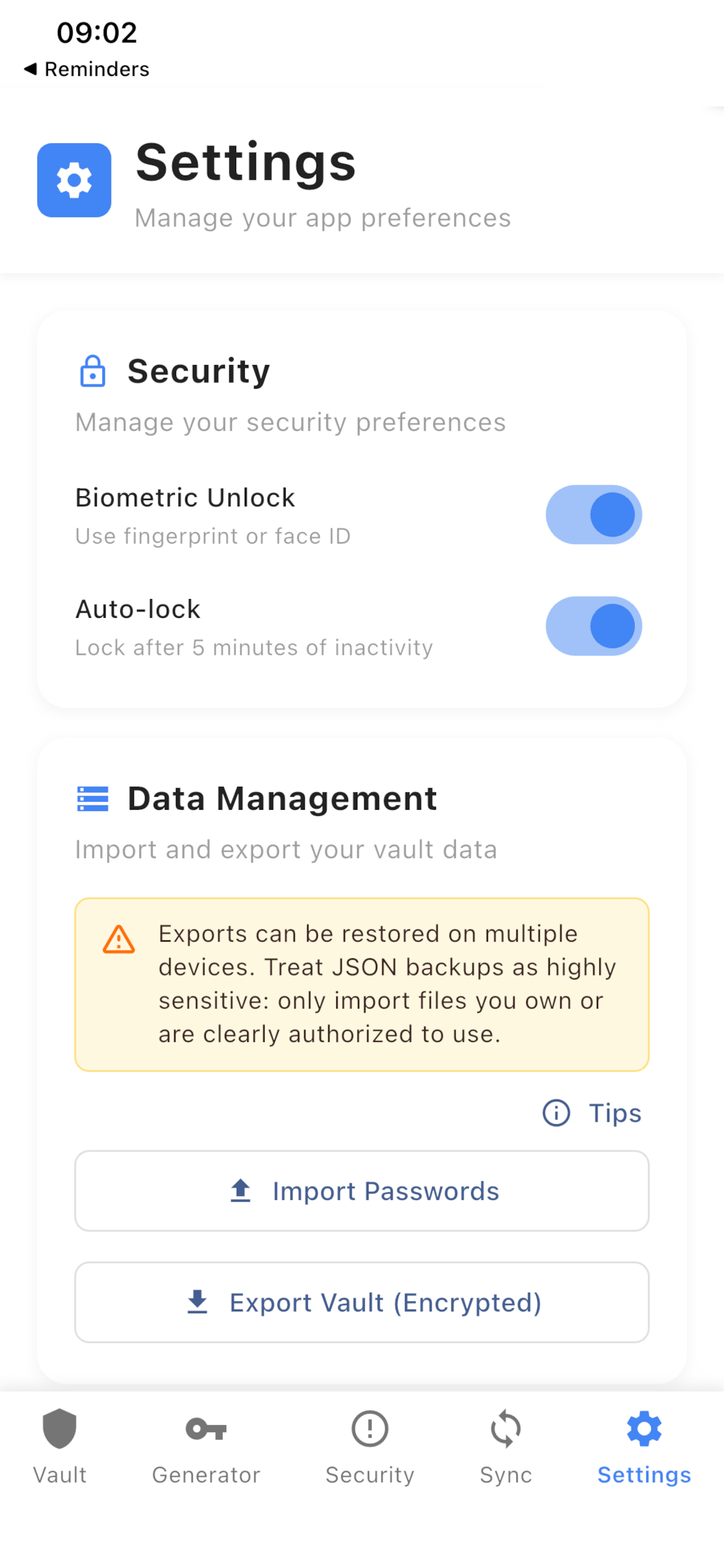
Backup and restore vault data in JSON format. JSON backups include authenticator accounts. Easily migrate from other password managers or create regular backups.
Quick password search
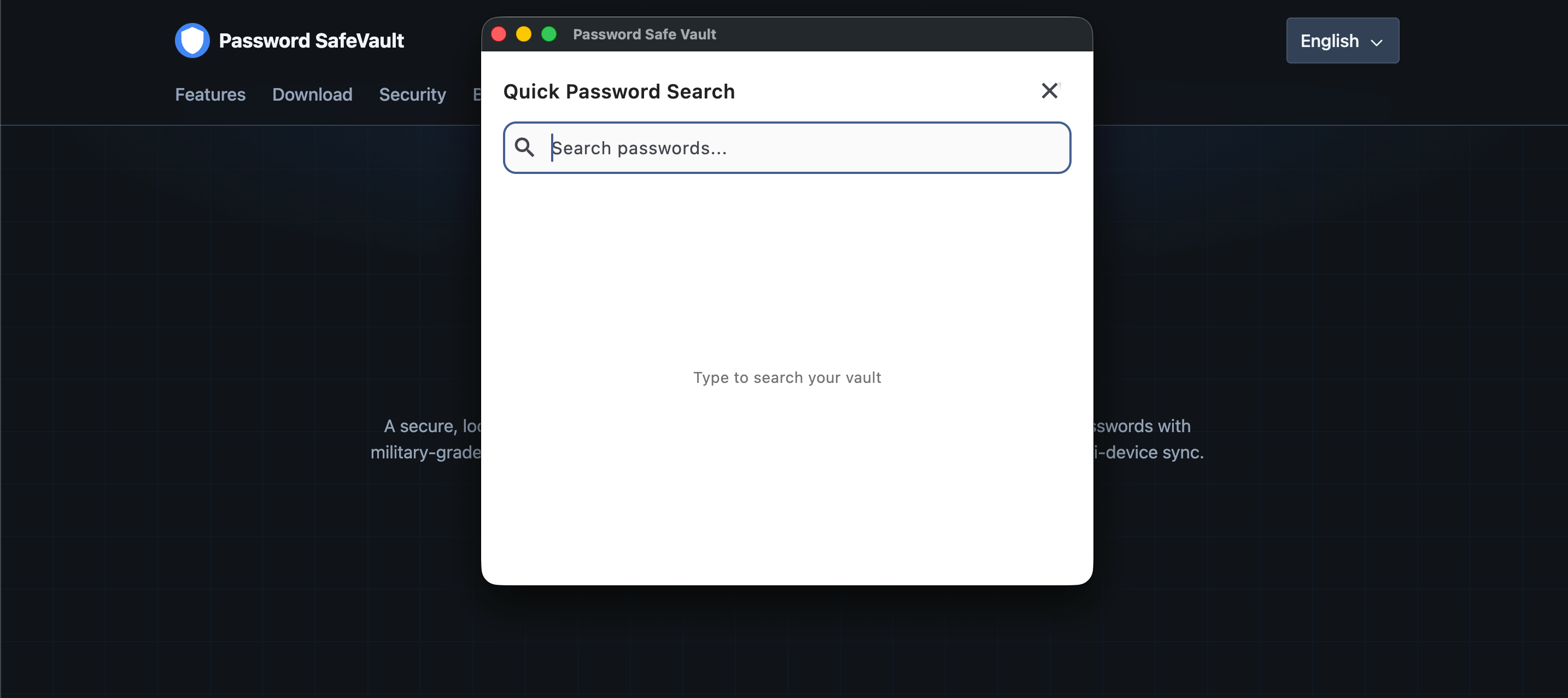
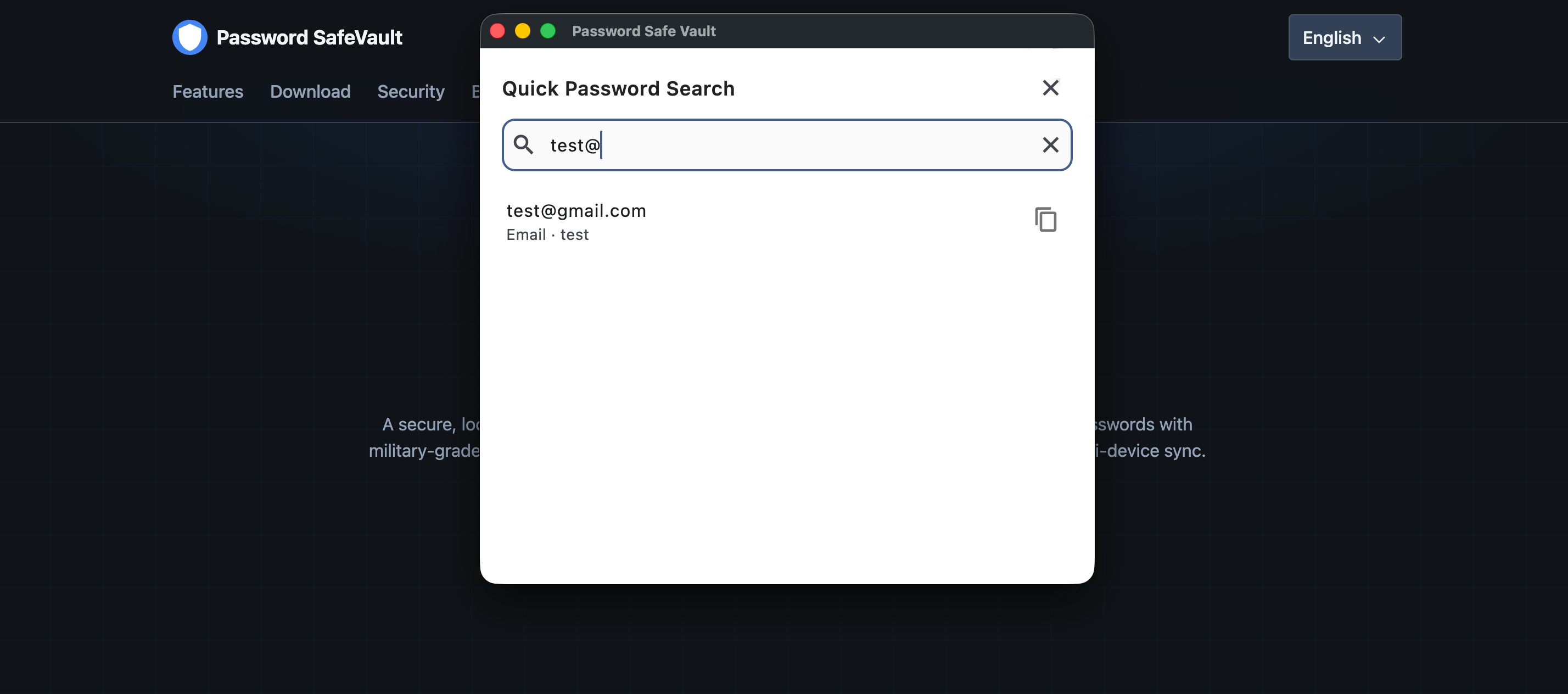
Open a global search overlay from anywhere, type a few characters, and copy the matching password instantly—without digging through categories. If an entry has a linked authenticator, copy the password or the current verification code.
Tip: Press Ctrl + Alt + P on Windows or Command + Ctrl + P on macOS to open the quick search dialog and find your password.
Security features
Use Face ID on iOS or Touch ID on supported devices for quick, secure access without typing your master password every time.

Military-grade encryption
All passwords encrypted using AES-256-GCM, the same standard used by banks and government agencies.

Built-in authenticator
Store website verification codes next to your passwords. Link, import, and copy codes without a separate authenticator app.
Two-factor authentication (2FA)
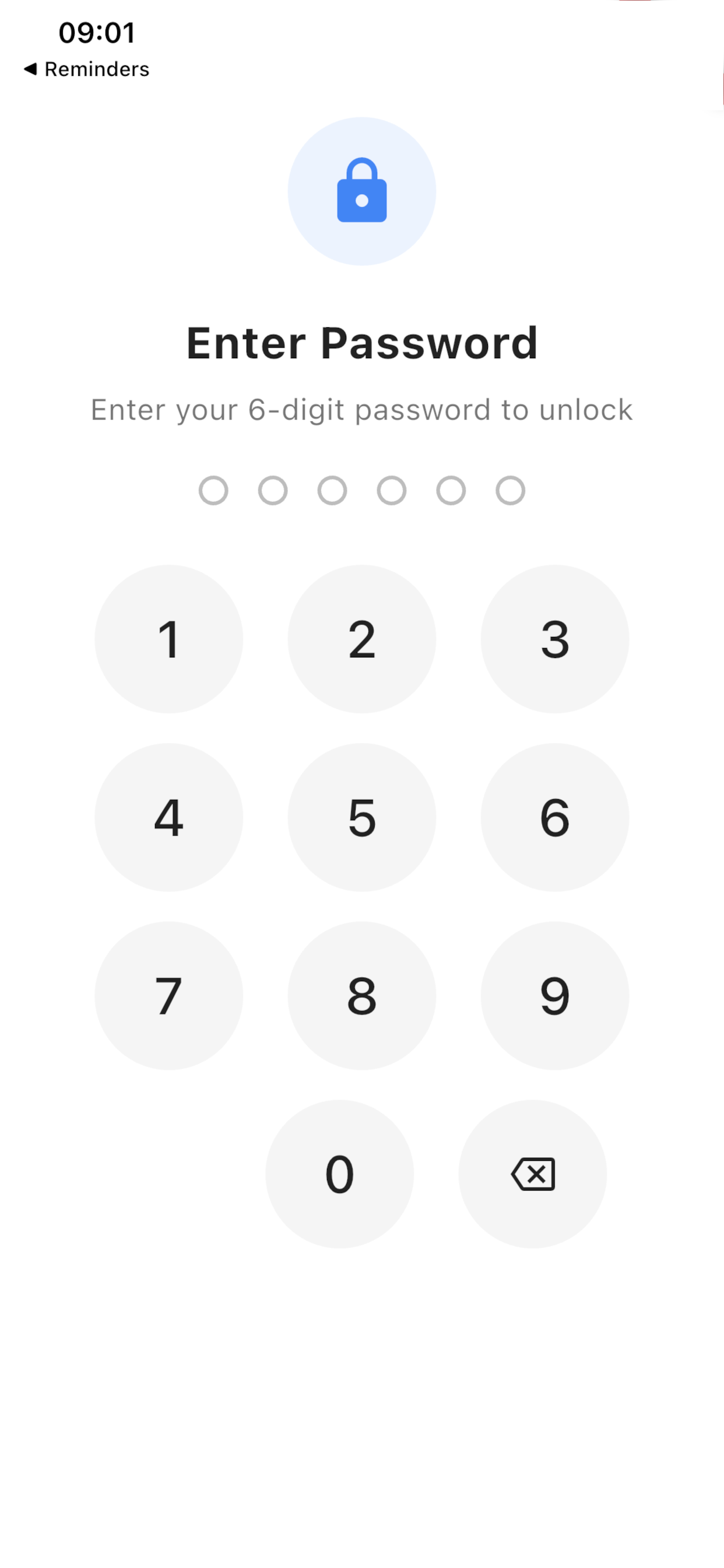
Add an extra lock on the app. Even with your PIN, no one can open the vault without the second authentication factor.

Biometric unlock
Use Face ID on iOS or Touch ID on supported devices for quick, secure access without typing your master password every time.

Auto-lock protection
Vault automatically locks after inactivity, ensuring passwords remain secure if you forget to lock your device.

Secure platform storage
Encryption keys stored using platform-specific secure storage: Keychain (iOS/macOS), Windows Credential Manager (Windows), and equivalent on Android/Linux.

Zero-knowledge architecture
All passwords encrypted locally on your device. We cannot see or access your passwords—only you have the decryption keys. Your data never leaves your device.

Auto-clear clipboard
Automatically clears copied passwords from the clipboard after a set time, preventing accidental exposure.